The AdCafé.
The app is a mobile advertising platform designed for users and advertisers to do advertising in a way thats effective and beneficial to both. As a user, the app gives you the ability to charge advertisers for your time through advertising. This article will help you understand what everything is and what everything does and by the end of it, you should have a good idea on how to use the app.
If you are looking to advertise in the app, I've prepared a great tutorial on how to do so and can be found here.
App overview.
The process will be occurring in 24-hour cycles, meaning the app refreshes its content daily. Once you create your account, you will be required to select categories based on your interests. Then you will be required to select the amount you charge for your time. Once you do so, you can begin engaging in advertiser content. After engaging one or more advertisers, you can make a payout of the amount you've accumulated. Note that we only support M-pesa payouts as of now, so make sure you have or get an mobile M-pesa account.
Sign up.
This should be fairly familiar to most of you. The app requires that you get an account to use it. After the tutorial sliders, the app should direct you to a sign up page looking like this:
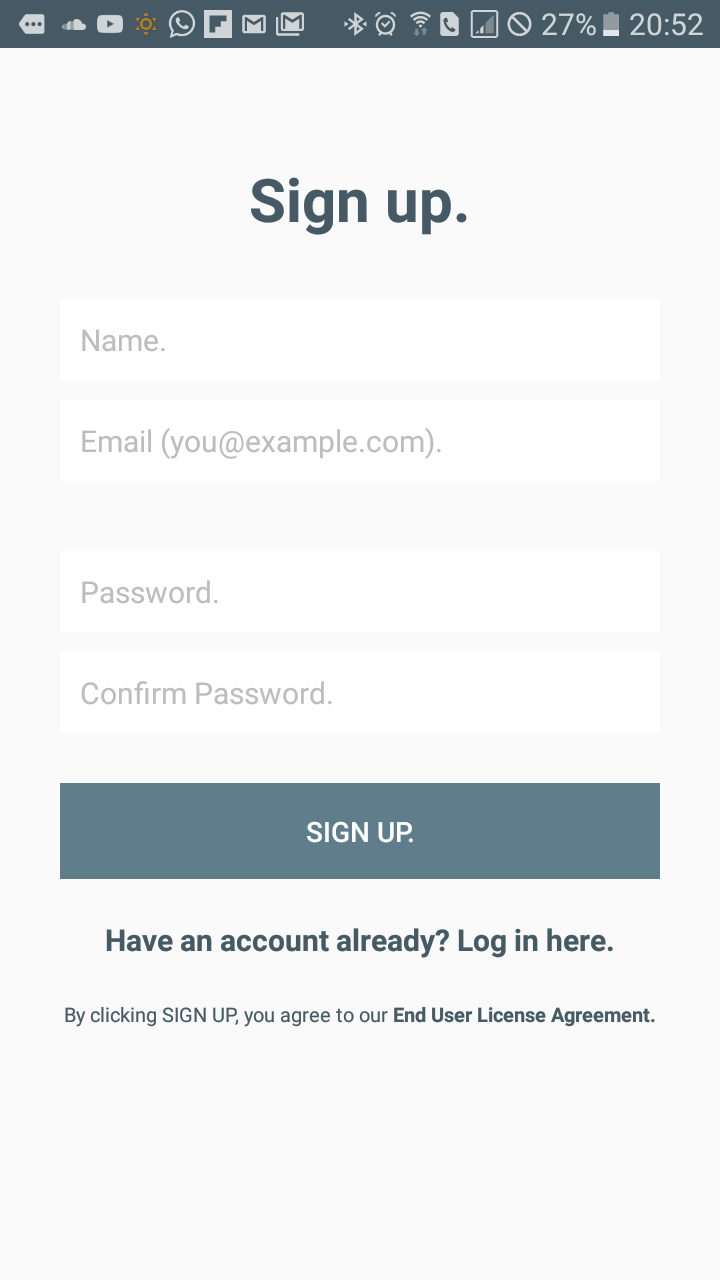
To sign up, the app requires your valid Email adress, your name and password only. The password should be at least 6 characters long and alpha-numeric, so make sure to use a strong password that cannot easily be guessed by others. Also, note that the password you put in will be used to authenticate you when doing certain actions such as making payouts in the app. So do not forget it as it is NOT changeable.
Once you've signed up, you should be redirected to a page labelled 'Ad Categories' where you will be required to choose certain categories based on your interests. This is to allow the app to filter content for you based on your interests and likes.
Once you've picked your interests, click on the top-right button marked 'next'. It should open a promot dialog looking like this:
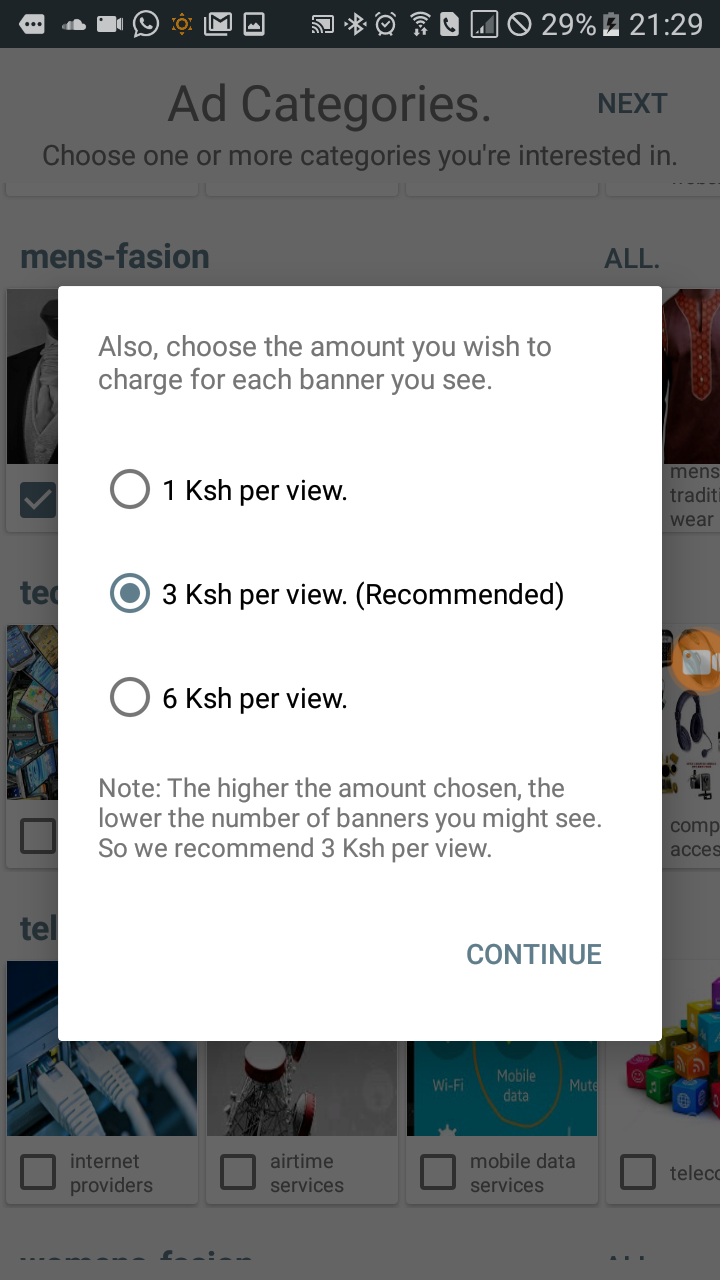
Here, you will be required to pick the amount you charge advertisers for each banner you see. You have a choice of 1, 3 and 6 Ksh. We recommend 3Ksh since it is a fair price to charge advertisers. Note, the higher the amount chosen, the lower the amount of advertisements you might get.
The Main page.
Once selected, you will be redirected to the main page which should look something like this,
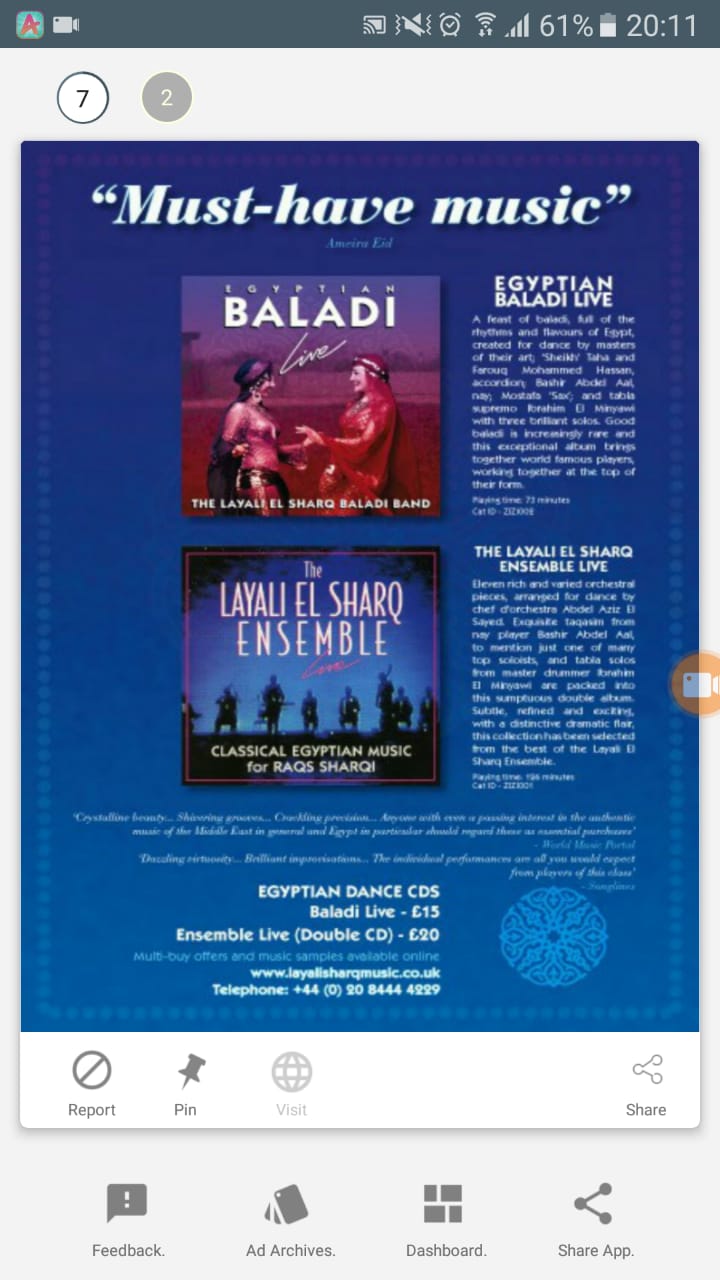
Here, the advert will be presented as an image in the card. Below the image, there are buttons that you can use to perfom actions on the ad;
- Report: This button allows you to report an ad if you find it offensive.
- Pin: This button allows you to pin a given ad if you wish to refer to it in the future.
- Contact: This button allows you to contact an advertsier if you wish to inquire more on a given showcased product or service. Advertisers may or may not add their contact information in their advert, so the icon may not always be clickable.
- Share: This button allows you to share a given showcased product. Only the image will be shared.
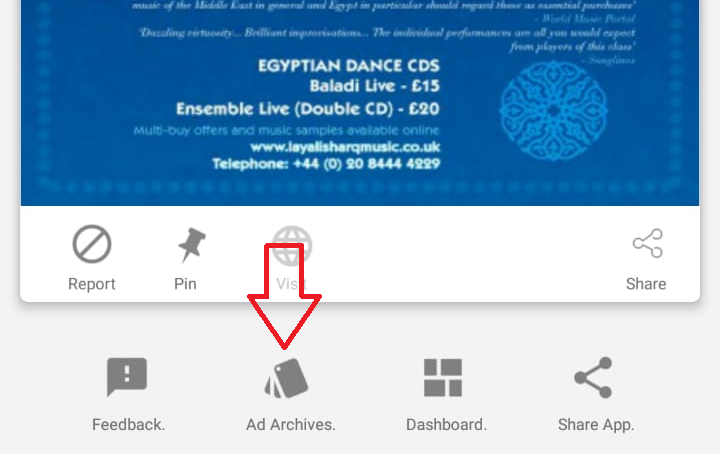
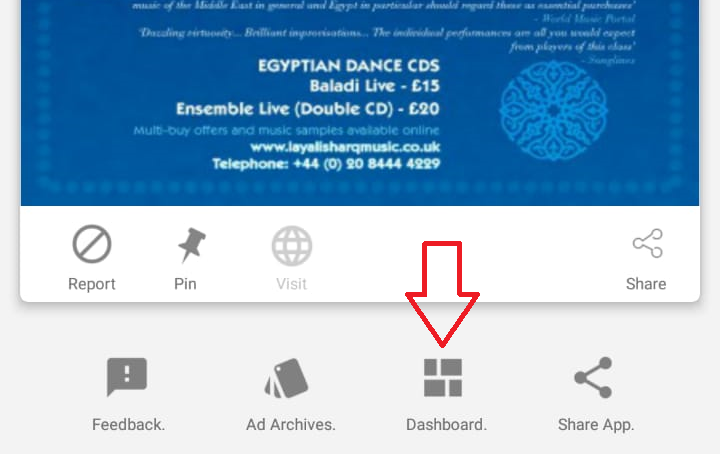
Below the advert card, there exists 4 buttons:
- Feedback: We value feedback, so if you have a question, suggestion or issue to share, you can do so by clicking this button.
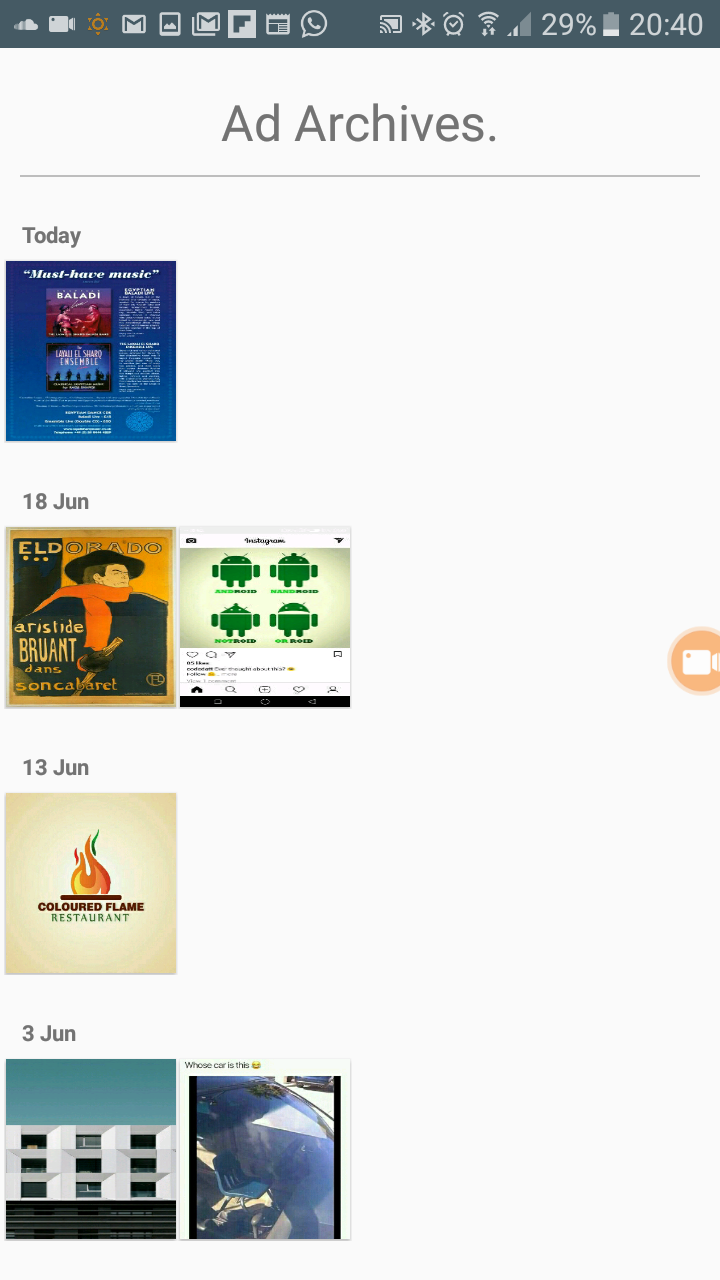
- Ad Archives: This button redirects you to the Ad Archives page where all your pinned ads will be located.
- Dashboard: This button redirects you to the Dashboard page where all the stats concerning the ads you have seen will be stored, eg your total payout amount.
- Share App: You can share the app with friends if you wish to do so.
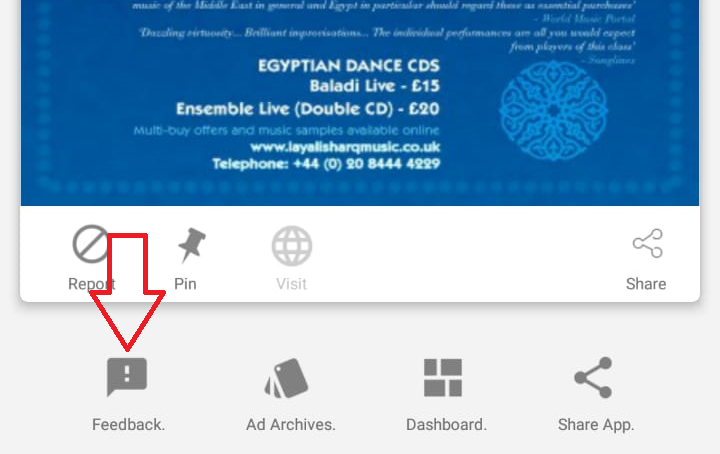
At the very top, there exists an ad counter, which simply is the number of ads you have viewed in the curent day, and a timer.
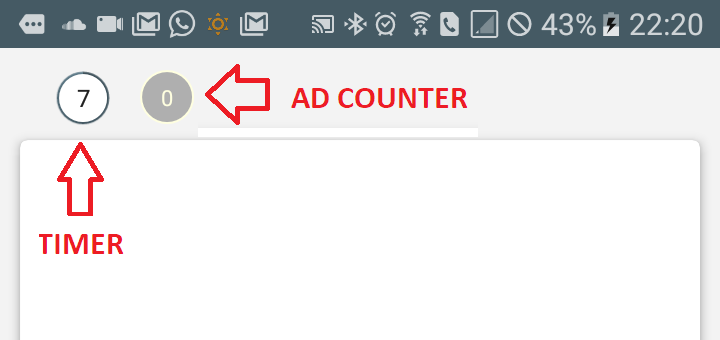
This timer counts down 7 seconds when an advertisement is being showcased. During this period you cannot move to the next until the timer hits 0. Any action you take to move the advert out of focus will pause the timer, and only until the banner comes back into focus will the timer resume.
Once you engage in the advertisement like in the example, your ad total, all time totals and payout amount will increment. The payout amount will increment by the amount you charge for your time.
Another additional feature in the app is one we call Webclick incentive, an incentive you can receive for visiting an advertisers website. Some advertisers may set an incentive for you to visit and scroll through their website.
The value of the incentive may vary depending on the advertiser, but the values range between 1Ksh and 100Ksh. Remember, the incentive is not for just visiting the advertisers page, but to visit and SCROLL through their website.
Like in the video example, there exists a progress icon(at the top right) that updates when you scroll through the website, then adds the incentive to your totals. However, the progress icon only increases when the you scroll at the right speed. This is to make advertisers sure that you'll actually browse their website.
The Dashboard.
Most of the actions and settings of the app are done here, in the dashboard.
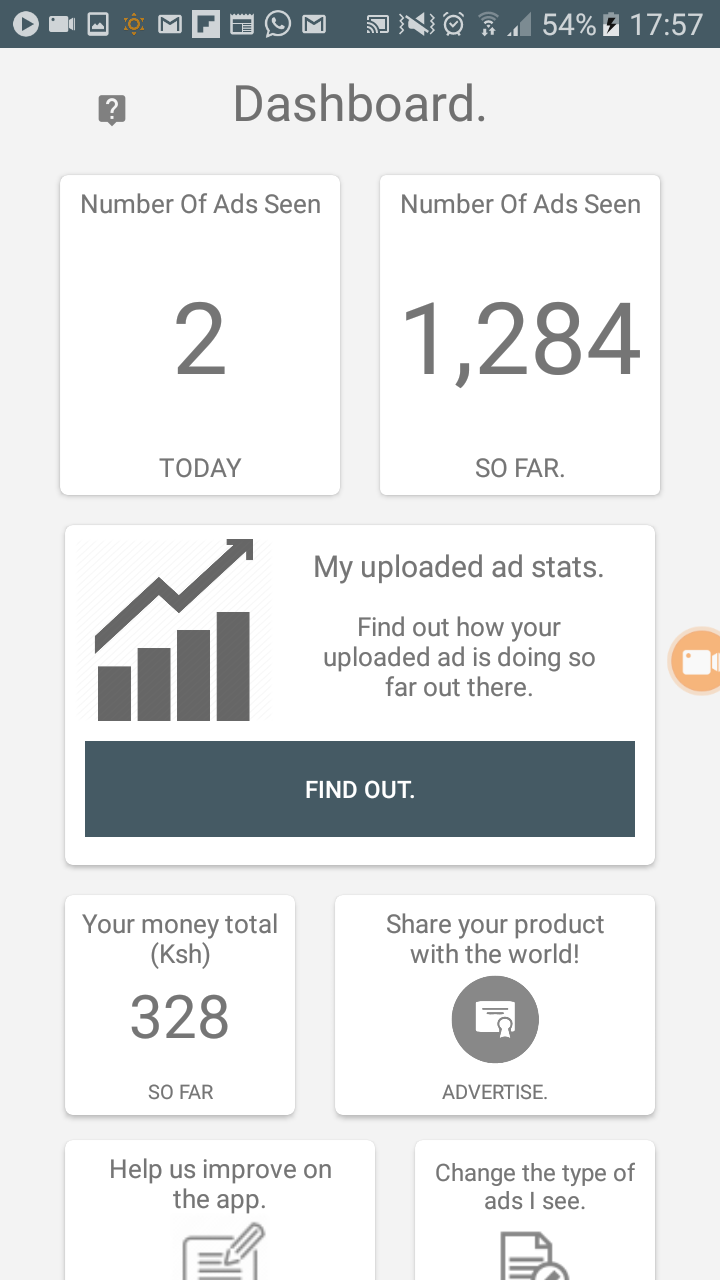
The top 2 cards show the number of ads you've seen in a given day(on the left) and the number of ads you've seen since you began using the app(on the right).
Your money total is shown in the middle card like so:
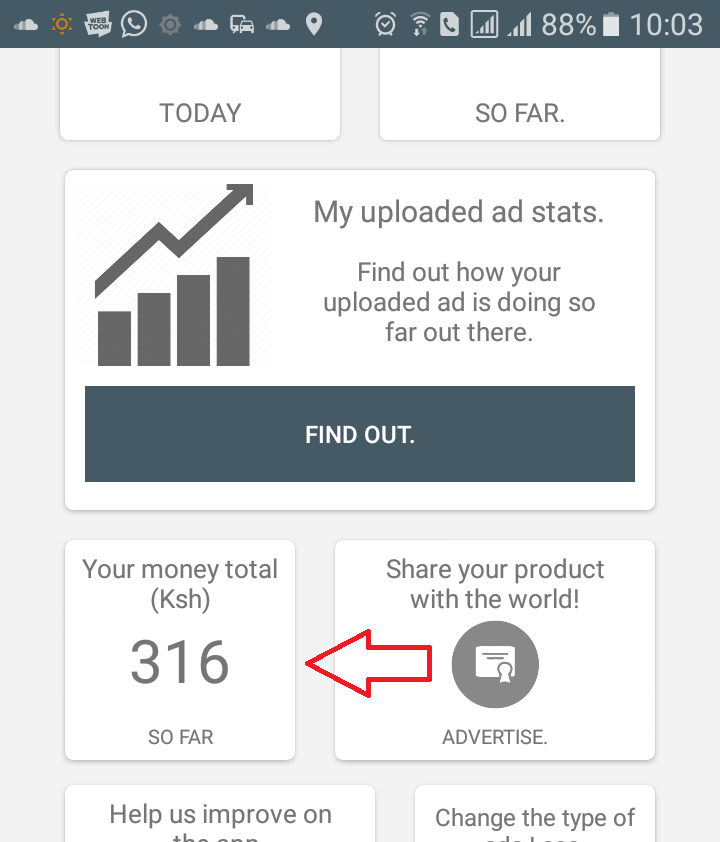
So as you engage in advertisements, the value will increase by the amount you charge.
The cards below that are for feedback and changing your interests. The interests you selected when signing up for the app can be removed or added from here .
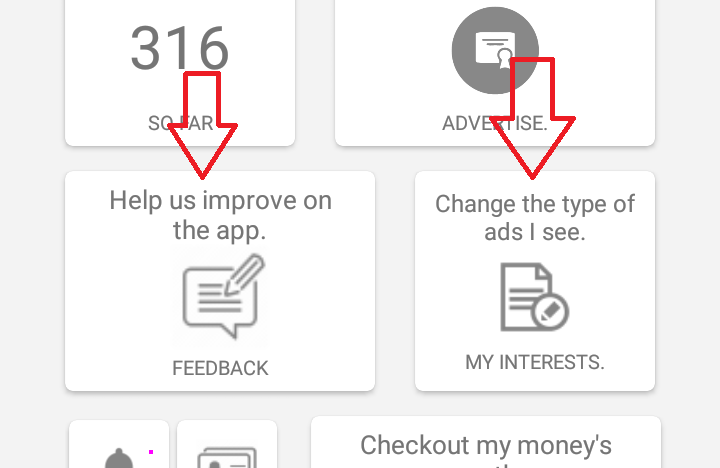
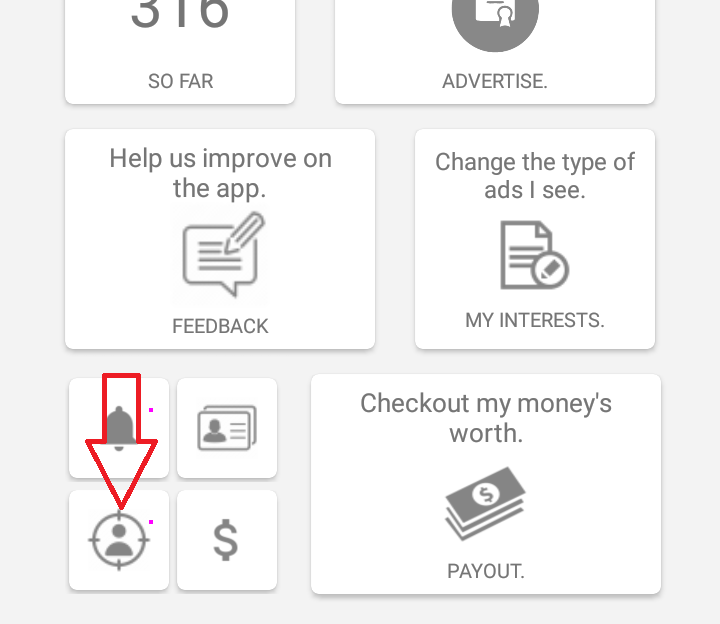
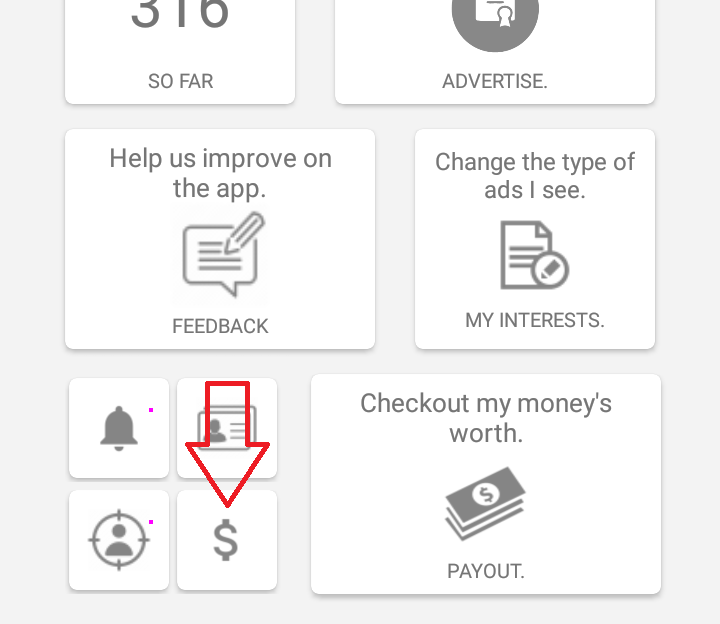
At the bottom, there are 5 cards: Daily notifications, Personalised content, Targeting permission, Changing your charge per view and Payouts;
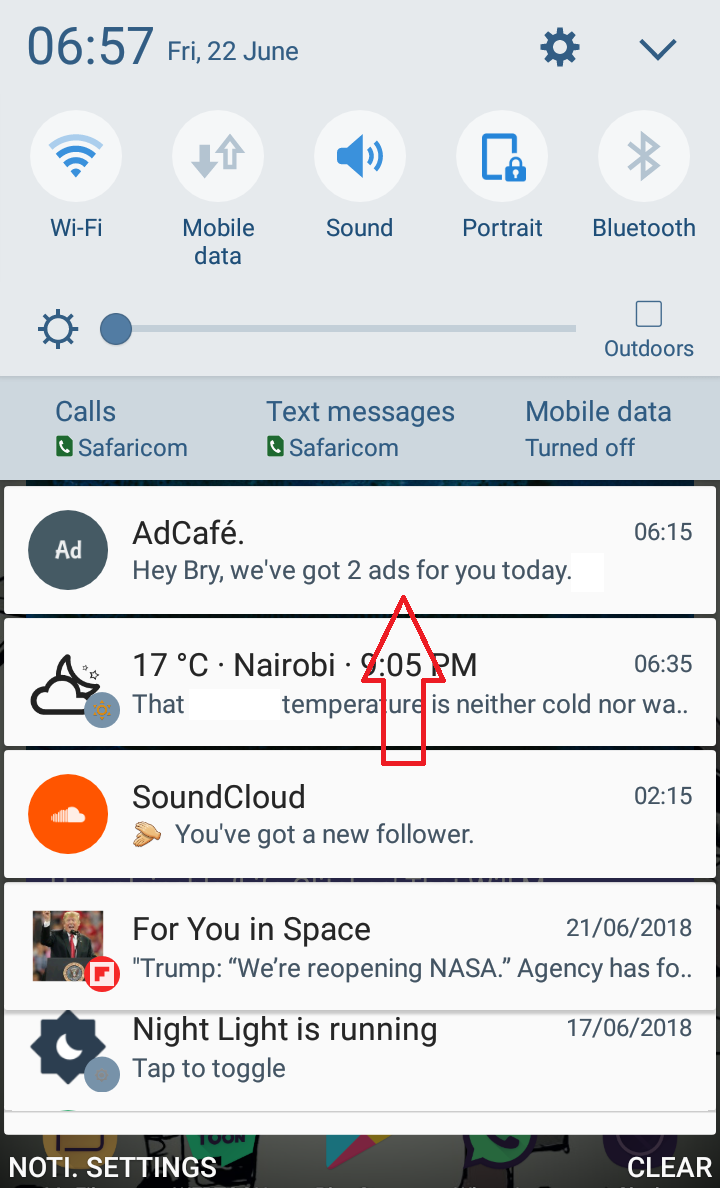
- Daily notifications: The app may notify you daily about new adverts. Upon notification time, you will receive an alert in your notification bar telling you about how many adverts the app has got prepared for you:
- Personalised content: The app can filter the content you see based on information you provide it about yourself. This includes your age, sex/gender and your locations. Advertisers wish to target users based on certain criteria, and by providing this information, you'll get to see more content tailored specifically to you and people like you.
- Targeting permission: You can choose to restrict the app from filtering content based on your provided data. This is the information you provided to the app, such as locations and age. However, you will see less advertisements if you do so.
- Changing your charge per view: You can change the amount you charge advertisers for your time here. However, the change will only take effect on the day after making the change.
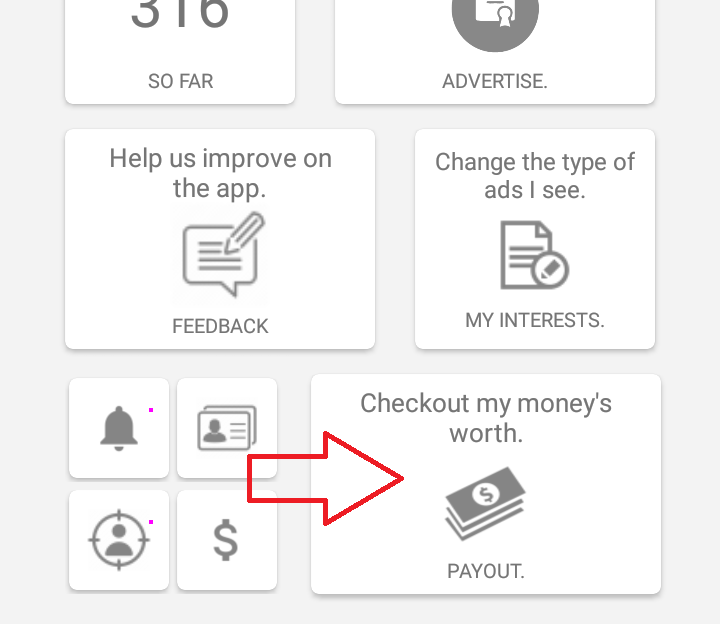
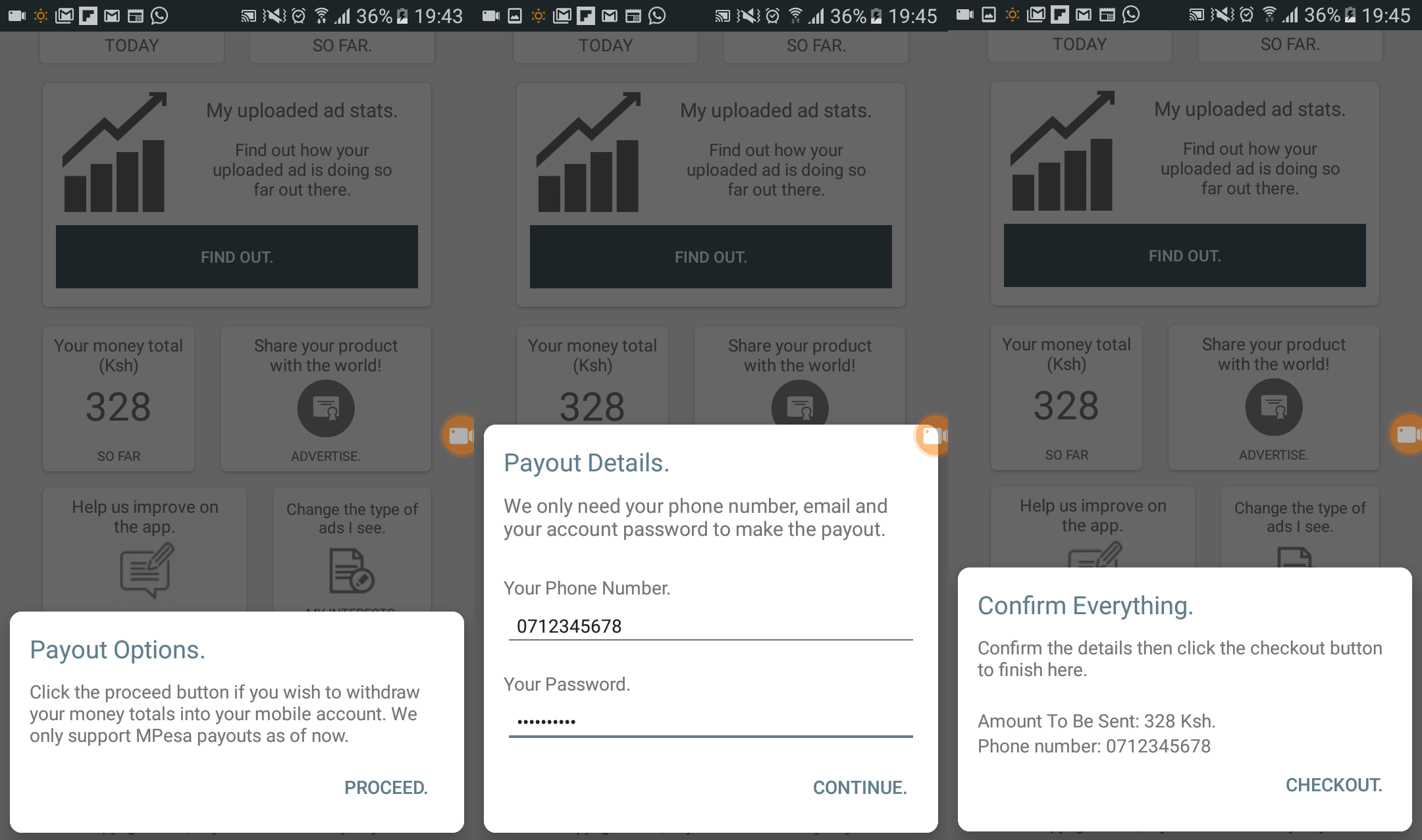
- Payouts: Once you've cumulated a money total, you can make a payout of that amount to your mobile money acount(We only support m-Pesa payouts as of now).This can be done by clicking this:
You can set your preferred time to be notified or put it off by clicking the bell icon:
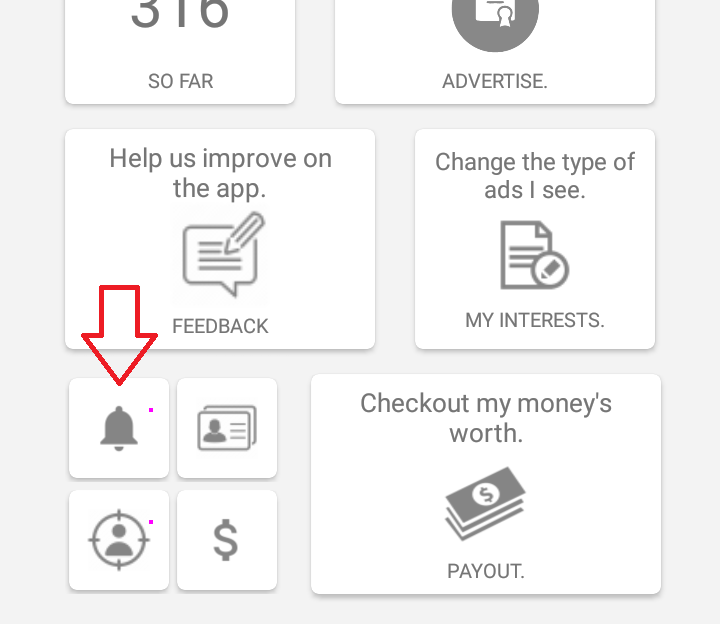
This will open a bottom prompt requesting for your phone number and your login password. Then after confirming all your details, the payout will be carried out.
Ad Archives page.
The Ad Archives is where all your pinned ads will be located. The app keeps your pinned adverts online and are loaded when the page is loaded. When you pin multiple adverts over a given period of time, your Ad Archives will look something like this:
... and that's all!
I hope this helps you understand what everything is and how to use the app.
Contact Us.
If you have any questions or suggestions about the app, its features and capabilities, do not hesitate to contact us:Email: adcafeteam@yahoo.com
©Copyright 2018, Color Technologies.